Programming a Terminal Emulator
What's a Terminal? It's this box:
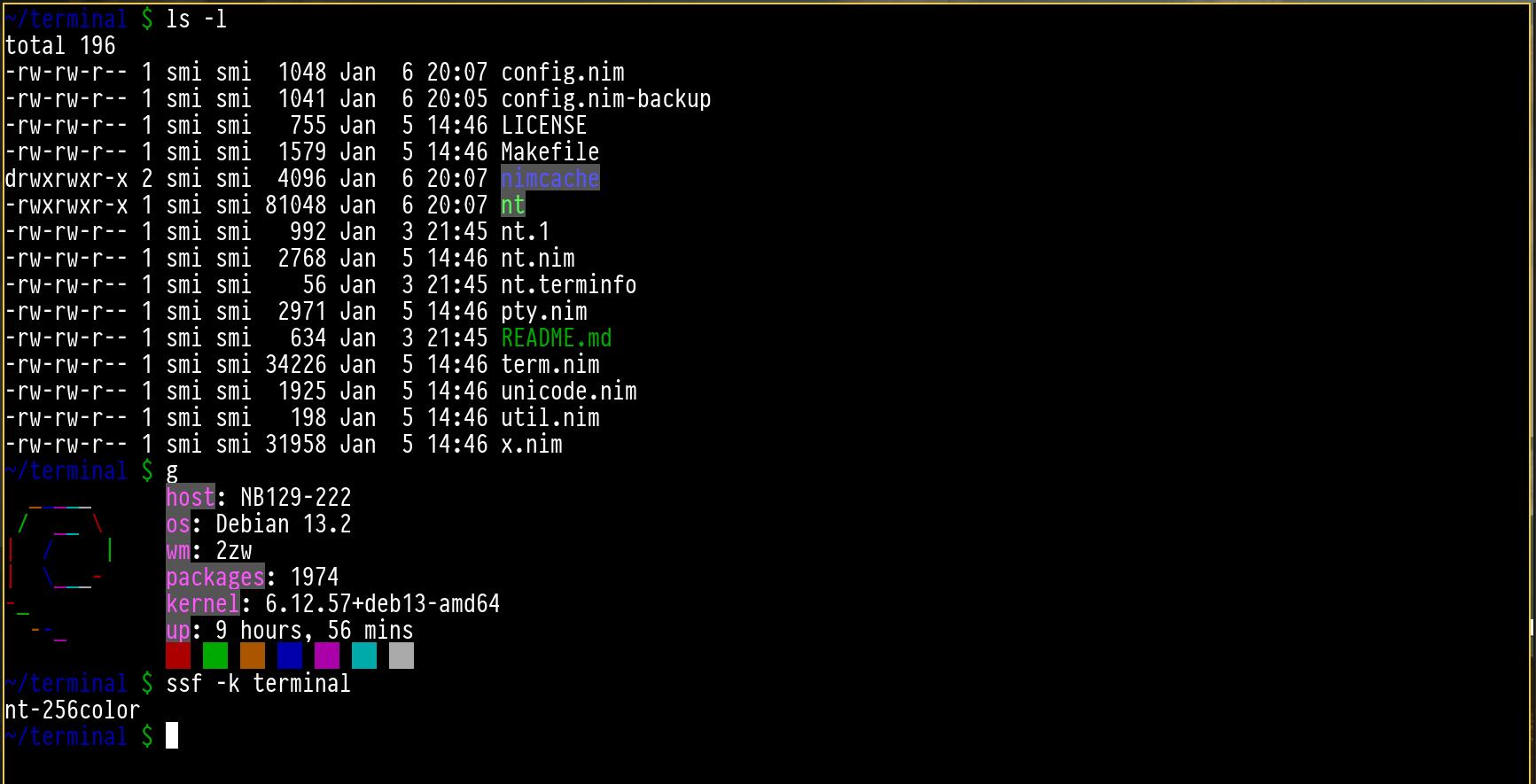
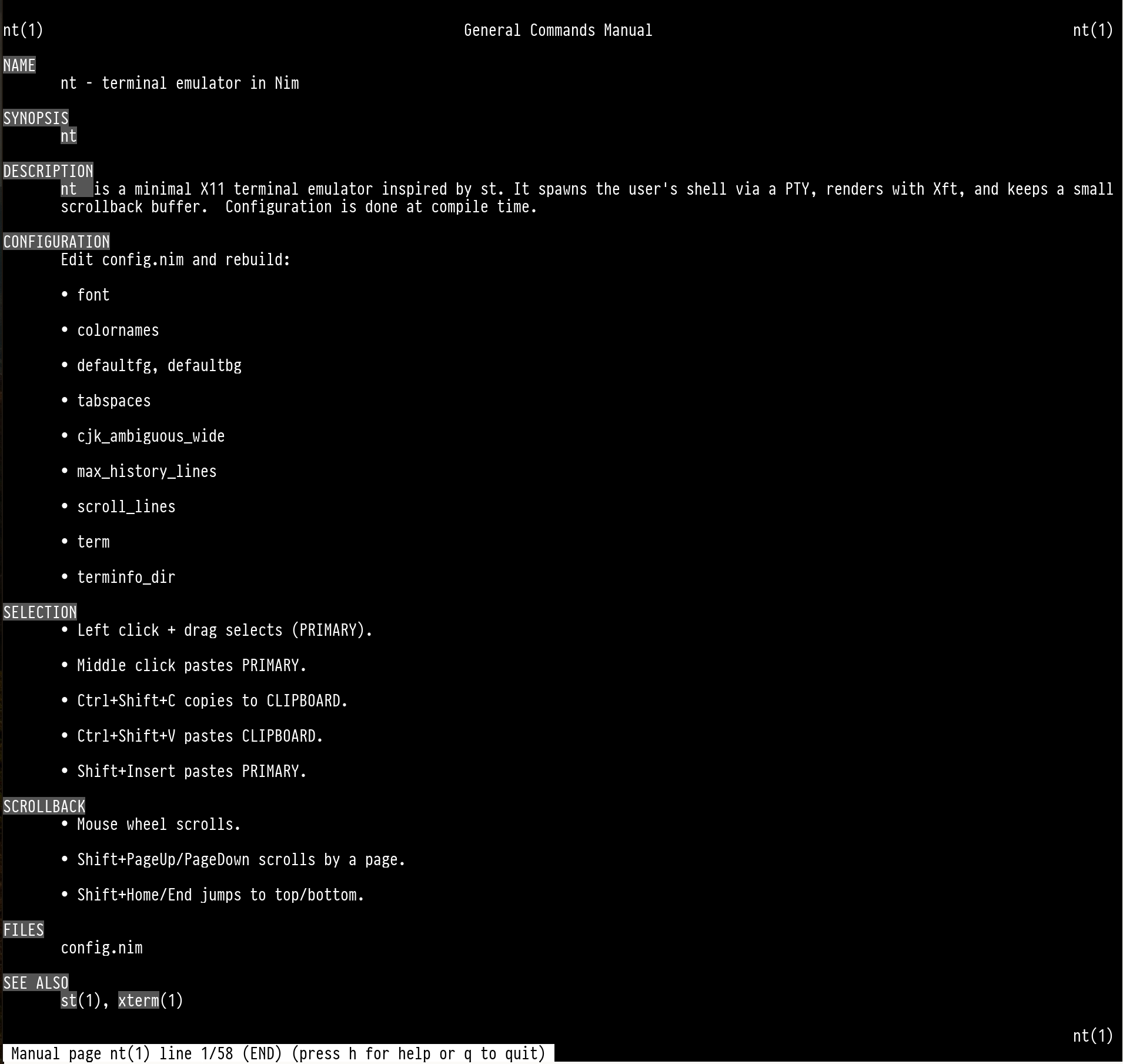
First off: A terminal emulator is a lie.
It pretends to be hardware that no longer exists: a 1970s serial terminal like the DEC VT100 that defined how we still interact with shells today.
That machine is gone. The interface it created is not. Every terminal window is software pretending to be hardware. Your shell cannot tell the difference.
Early 2026, I finally finished writing my own.
Why
I love st, the suckless terminal. Minimal, simple, hackable, roughly 2000 lines of C.
I have been building my own userspace stack for years — window manager, launcher, status bar. The terminal was the missing piece.
What a terminal emulator does
It looks like a text box. It is actually a state machine glued around a pseudoterminal (PTY).
A PTY pretends to be a hardware serial link. The shell writes bytes to one end, the terminal reads from the other, and the kernel handles job control, signals, and line discipline.
The bytes are not just printable text. They include ANSI escape sequences — instructions encoded directly in the stream.
- \x1b[31m — change foreground color to red
- \x1b[2J — clear the entire screen
- \x1b[10;20H — move cursor to row 10, column 20
The parser reads one byte at a time. Most bytes print. Control characters get special handling. Escape (0x1B) switches into a different state until a full command has been accumulated.
None of this is conceptually hard. It is tedious, and compatibility means matching whatever xterm decided to do decades ago.
Why Nim
The terminal is written in Nim. It looks like Python, compiles to C, runs fast, and lets me pick memory management strategies.
For this project I used Nim's ARC (automatic reference counting):
- Deterministic destruction
- No tracing garbage collector
- Predictable performance
- No GC pauses while rendering text
Nim's FFI to C or POSIX is trivial — declare the function and call it.
# X11 FFI declarations
proc XOpenDisplay(display_name: cstring): Display
  {.importc, header: "", sideEffect.}
proc XCreateSimpleWindow(dpy: Display, parent: Window, x, y: cint,
                         width, height, border_width: cuint,
                         border, background: culong): Window
  {.importc, header: "", sideEffect.}
proc XMapWindow(dpy: Display, w: Window): cint
  {.importc, header: "", sideEffect.}
# POSIX FFI declarations
proc forkpty(amaster: ptr cint, name: cstring, termp: pointer, winp: pointer): Pid
  {.importc, header: "", sideEffect.}
proc execvp(file: cstring, argv: cstringArray): cint
  {.importc, header: "", sideEffect.}
proc read(fd: cint, buf: pointer, count: csize_t): csize_t
  {.importc, header: "", sideEffect.}
proc ioctl(fd: cint, request: culong, argp: pointer): cint
  {.importc, header: "", sideEffect.}
The main function initializes terminal state, the PTY, the X11 window, and then runs the event loop.
proc main() =
  var state: StState
  state.term = term_init(default_cols, default_rows)

  let (pty_s, pty_e) = pty_init(cint(default_cols), cint(default_rows))
  if pty_e != pty_ok:
    die("failed to initialize pty")
  state.pty = pty_s

  let (xw_s, xw_e) = x_init(default_cols, default_rows)
  if xw_e != x_ok:
    die("failed to initialize X11 window")
  state.xw = xw_s

  run_loop(state)
  x_close(state.xw)
  pty_close(state.pty)

when isMainModule:
  main()
No frameworks. No async runtime. Initialize, loop, clean up, exit.
The result: roughly 1500 lines of Nim, slightly less than st, shipping as a tiny static binary with scrollback included.
Compile-time configuration
There is no config file. No config.json, no colors.yaml, no theme.toml, no .Xresources.
All configuration happens at compile time - they are constants in the source:
const
  font* = "monospace:size=12"

  # color palette (16 base colors)
  colornames*: array[16, string] = [
    "#000000",  # black
    "#aa0000",  # red
    "#00aa00",  # green
    "#aa5500",  # yellow
    "#0000aa",  # blue
    "#aa00aa",  # magenta
    "#00aaaa",  # cyan
    "#aaaaaa",  # white
    "#555555",  # bright black
    "#ff5555",  # bright red
    "#55ff55",  # bright green
    "#ffff55",  # bright yellow
    "#5555ff",  # bright blue
    "#ff55ff",  # bright magenta
    "#55ffff",  # bright cyan
    "#ffffff"   # bright white
  ]

  defaultfg* = 15
  defaultbg* = 0

  tabspaces* = 8
  cjk_ambiguous_wide* = false
  max_history_lines* = 10000
  scroll_lines* = 3
Runtime configuration means parsing, file formats, syntax errors, directories to search, environment overrides, documentation to maintain.
Compile-time configuration means none of that. The configuration is the code. The compiler checks it.
st and dwm do this. The suckless project understood that configuration is a cost, not a free feature.
That means that the binary is self-contained. Copy it to another machine and it runs.
POSIX
The terminal leans entirely on POSIX interfaces:
- forkpty() to create a pseudoterminal and fork
- termios to manage terminal attributes
- poll() to wait for input
- read()/write() for byte transfer
- ioctl() for terminal control
Those functions existed in 1988 and they will exist in 2088.
When the terminal starts, it calls forkpty(). The child becomes the shell on the slave side; the parent stays in userspace on the master side.
From that point it is just reading and writing file descriptors — the same APIs every Unix program uses.
The code I write today will compile in fifty years because POSIX and the terminal interface do not change.
The learning
Writing a terminal forced me to learn the VT100 standard, ANSI extensions, xterm control sequences, and every obscure escape that moves cursors, switches character sets, or toggles alternate screens.
It took weeks of evenings, countless hexdumps, and many broken vim sessions to chase rendering bugs...
Final verdict
I sit in front of my computer, my terminal shows my text, and my shell does not know it is talking to software I wrote. That is the point. Was it worth it? Absolutely. Would i do it again? No.
What I ended up with:
- ~1500 lines of Nim
- Scrollback included
- Compile-time configuration only
- POSIX compliant
- Self-contained binary
Licensed under ISC License. If you want to contribute, patches are welcome.
Source code: #todo